How to Monitor Your Business Remotely with CCTV Surveillance Cameras
Introduction
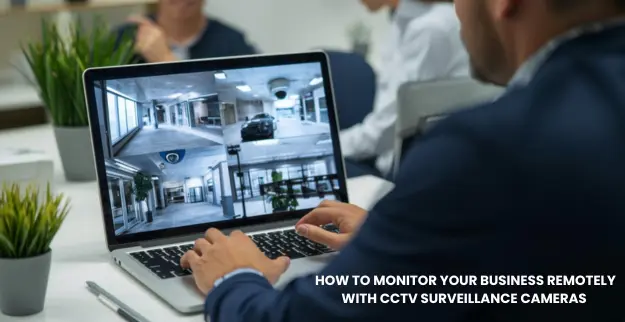
In today’s competitive business environment, security is a top concern. With advanced CCTV security cameras and remote monitoring systems, business owners can keep an eye on their premises anytime, anywhere. Remote CCTV tracking not only protects your assets but also enhances operational efficiency and provides peace of mind.
Step 1: Assess Your Security Needs
- ▪️Identify Critical Areas: Determine which areas of your business need video coverage (entrances, storage rooms, cash counters).
- ▪️Decide on Camera Types: Choose between fixed, PTZ, dome, or bullet cameras based on coverage requirements.
- ▪️Plan Camera Placement: Ensure there are no dark spots and that areas are well-lit for clear footage.
Step 2: Choose the Right CCTV Cameras
- ▪️High-Resolution Cameras: Opt for HD or 4K cameras for sharp pictures, even at a distance.
- ▪️Night Vision Capabilities: Ensure cameras record clearly in low-light or nighttime situations.
- ▪️Trusted Brands: Use reliable names like Hikvision and Dahua for quality and durability.
Step 3: Install Cameras and Network Infrastructure
- ▪️Professional Installation: Mount cameras safely on walls, ceilings, or poles.
- ▪️Network Setup: Connect cameras to your NVR/DVR or cloud-based system.
- ▪️Check Connectivity: Ensure cameras are accessible via the internet for remote monitoring.
Step 4: Set Up Remote Monitoring
- ▪️Mobile & Web Apps: Install CCTV apps on smartphones, tablets, or computers.
- ▪️Live Feed Access: Test live streaming from all cameras to ensure smooth monitoring.
- ▪️Configure Alerts: Set up motion detection notifications and email alerts for unusual activity.
Step 5: Monitor and Manage Your Business
- ▪️Real-Time Supervision: Check live feeds to track workers, visitors, and operational activities.
- ▪️Review Recorded Footage: Access past recordings to investigate incidents or keep records.
- ▪️Operational Insights: Analyze video data to improve workflow, customer service, and staff performance.
Step 6: Maintain and Upgrade Your System
- ▪️Regular Inspections: Check camera functionality, lenses, and network connectivity regularly.
- ▪️Software Updates: Keep firmware and apps updated for security and performance.
- ▪️Professional Support: Rely on experts for repairs, upgrades, or expanding your CCTV system.
Reach Us
Secure your business with advanced CCTV security cameras and remote monitoring options. Stay in control of your operations anytime, anywhere, and ensure your premises are always safe with modern surveillance technology.