Introduction
Managing multiple computers can create several challenges for businesses. Many offices, IT departments, and data centres use KVM switches to control multiple computers using just one keyboard, monitor, and mouse. If you are looking for a reliable KVM switch in Dubai, this technology can improve workspace efficiency, reduce hardware requirements, and simplify IT management.
What Is a KVM Switch?
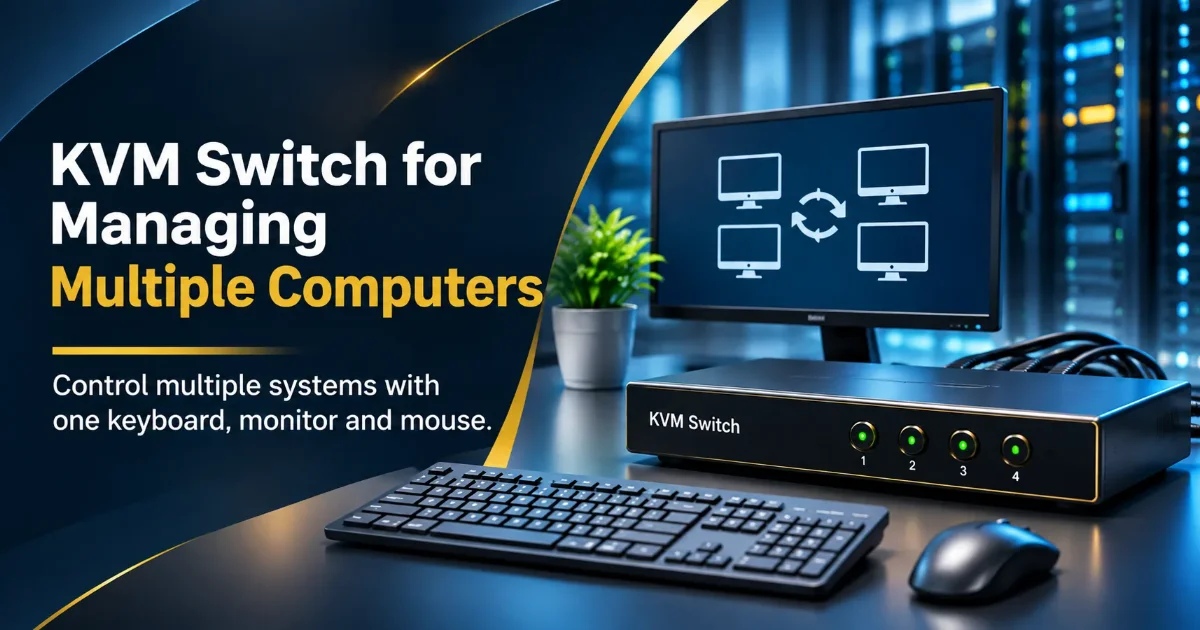
A Keyboard, Video, Mouse (KVM) switch allows you to control more than one computer using a single keyboard, monitor, and mouse. This saves workspace, reduces equipment requirements, and makes managing multiple systems more convenient.
How Does KVM Technology Work?
KVM technology connects multiple computers to a single set of peripherals, allowing users to switch between systems from one workstation.
♦ Link Computers: Multiple computers or servers can be connected to the KVM switch.
♦ One Set of Peripherals: A single keyboard, monitor, and mouse are connected to the switch.
♦ Choose System: Buttons, keyboard shortcuts, or remote access can be used to select the required computer.
♦ Control Multiple Systems: Different computers can be managed from one workstation.
Types of KVM Switches
Different types of KVM switches are available depending on your business requirements and IT infrastructure.
Desktop KVM Switch
♦ Suitable for office environments and smaller workplaces.
♦ Allows users to control multiple computers using shared peripherals.
Rackmount KVM Switch
♦ Designed for server rack environments.
♦ Helps IT professionals centrally manage multiple servers.
IP KVM Switch
♦ Enables remote access and control of computers or servers over an IP network.
♦ Useful for data centres and IT teams managing remote infrastructure.
USB HDMI KVM Switch
♦ Supports USB peripherals and HDMI video connections.
♦ Allows users to share a keyboard, mouse, and monitor between compatible computers.
Multi-Port KVM Switch
♦ Supports multiple computer connections through different port configurations.
♦ Options such as 4-port, 8-port, and 16-port KVM switches are suitable for different IT environments.
Key Features and Connection Types
♦ Video Connections: Supports different video interfaces, including HDMI, DisplayPort, and VGA, depending on the model.
♦ USB Connections: Allows compatible keyboards, mice, printers, and other USB devices to be shared.
♦ Multiple Ports: Available in 2, 4, 8, and 16-port configurations.
♦ IP Enabled: IP-enabled models provide remote access and server management capabilities.
♦ Hotkey Switching: Keyboard shortcuts allow users to switch between connected computers.
♦ Rackmount Design: Helps organize and manage equipment in server rooms and data centres.
Common Business Use Cases
KVM switches are widely used across different industries to simplify computer and server management.
Data Centres
♦ IP KVM switches help administrators manage multiple servers from a central workstation.
IT Departments
♦ IT professionals can access multiple computers to perform troubleshooting, maintenance, and system administration.
Corporate Offices
♦ Shared peripherals help reduce cable clutter and save desk space.
Server Rooms
♦ Rackmount KVM consoles provide centralized access to multiple servers.
Control Rooms
♦ Operators can manage multiple computer systems from a single monitoring station.
Choosing the Right KVM Switch
Selecting the right KVM switch depends on your computer setup, connectivity requirements, and future business needs.
1. Number of Computers
♦ Choose a KVM switch with enough ports to support all connected computers.
♦ Consider 4-port, 8-port, or 16-port models depending on your requirements.
2. Video Compatibility
♦ Check whether your computers support HDMI, DisplayPort, or VGA.
♦ Ensure the KVM switch supports your required video resolution.
3. USB Compatibility
♦ Make sure the KVM switch supports your keyboard, mouse, and other USB peripherals.
4. Remote Management
♦ Choose an IP KVM switch if you need remote access to computers and servers.
5. Installation Requirements
♦ Select a desktop KVM switch for office workstations or a rackmount model for server rooms.
6. Trusted KVM Solutions
♦ Consider ATEN KVM switches for professional IT infrastructure and server management requirements.
If your business is looking to purchase a KVM switch in the UAE, consider your existing infrastructure, connectivity requirements, and future expansion plans before selecting a solution.
Conclusion
KVM switches make managing multiple computers and servers easier by allowing users to control different systems through a single keyboard, monitor, and mouse. Choosing the right KVM switch can streamline your IT setup, improve workspace organization, and simplify server management.