Microsoft 365 vs Office 365: Key Differences
Introduction:
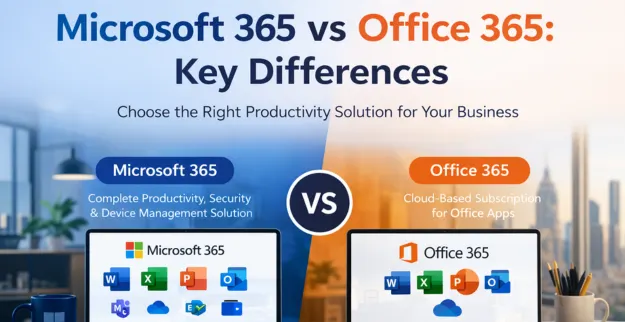
The selection process for business productivity tools requires knowledge about Microsoft 365 and Office 365 differences. Both platforms provide access to essential MS Office applications which include Word and Excel and Outlook, but their design serves different user requirements. The Office365 system works as a cloud-based application platform whereas Microsoft 365 delivers an all-encompassing package which includes security features and device management tools together with advanced capabilities. Businesses can use this information to make their selection between cloud solutions and traditional office systems.
Differences: Microsoft 365 vs Office 365
| Feature | Microsoft 365 | Office 365 |
|---|---|---|
| Definition | Complete productivity + security + device management solution | Cloud-based subscription for Office apps |
| Apps Included | All Microsoft apps + Windows + Enterprise Mobility tools | Core Office apps like Word, Excel, Outlook |
| Cloud Services | Yes | Yes |
| Security Features | Advanced security & threat protection | Basic security features |
| Device Management | Included | Not included |
| Updates | Regular updates with new features | Regular app updates only |
| Target Users | Businesses needing full IT solutions | Individuals & small businesses |
| Pricing | Higher due to added features | More affordable |
Features Comparison
1. Microsoft Apps Access
Both solutions provide essential MS Office applications for Word Excel PowerPoint and Outlook, but Microsoft 365 delivers superior integration capabilities.
2. Cloud vs Traditional Office
Office365 operates entirely through cloud technology while Microsoft 365 delivers cloud functions together with its suite of enterprise applications.
3. Security & Protection
Microsoft 365 delivers advanced cybersecurity capabilities which include data protection features and threat detection systems that suit business needs.
4. Collaboration Tools
The two platforms enable team collaboration through Teams and OneDrive, which streamlines the process of sharing files.
5. Device Compatibility
Microsoft 365 enables organizations to manage devices more effectively across their desktop and mobile and tablet computing environments.
6. Automatic Updates
The two services provide users with automatic updates which guarantee that they receive all current software enhancements.
Which to Choose?
Select Microsoft 365 because
- ♦ Your organization needs advanced security measures together with data protection capabilities
- ♦ You need full control over all IT systems together with device management functions
- ♦ Your organization needs solutions that can expand to match business growth
Choose Office365 if:
- ♦ You require only the essential Microsoft applications
- ♦ You want an affordable cloud service that meets your budget requirements
- ♦ You are an individual or small business user
Conclusion:
Businesses need to understand the differences between Microsoft 365 and Office 365 to determine which productivity platform suits their needs. Office365 provides essential cloud services for basic work tasks while Microsoft 365 delivers complete security and management solutions with additional operational flexibility. The selection of an appropriate solution requires businesses to assess their organizational size and security requirements and their preferred method of working with cloud and conventional office spaces.