Introduction
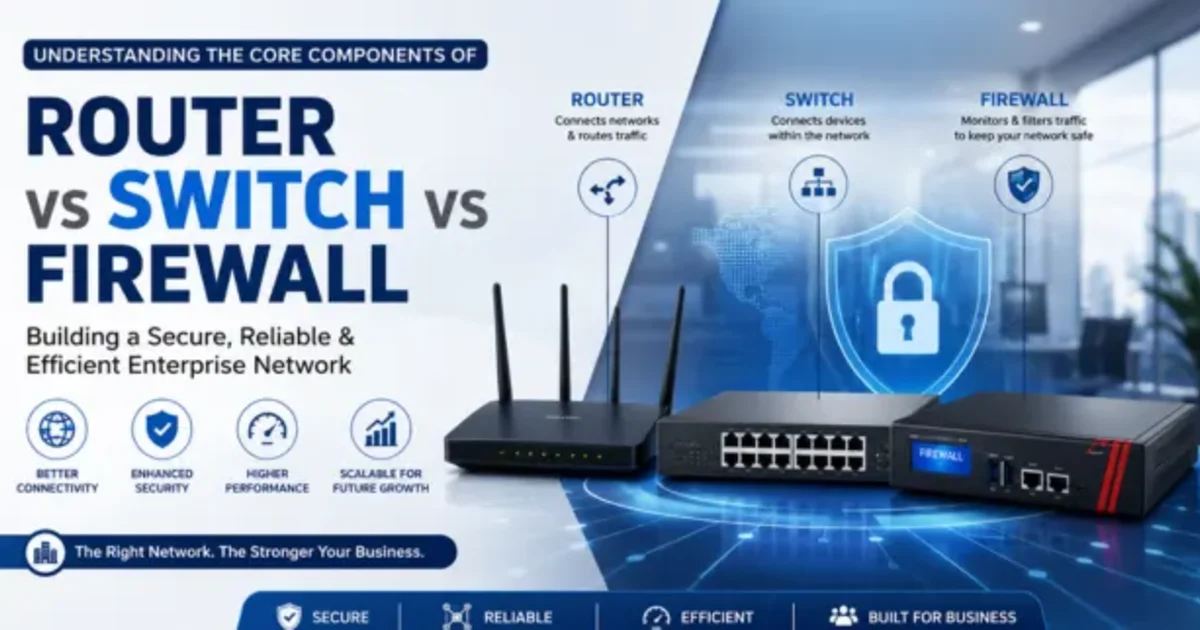
A solid business network needs several key parts. You need routers to direct traffic. Switches connect devices to the same site. Firewalls help block risky network access. When you know what each part does, you can plan a safer setup. It can also support higher speed and future growth in your enterprise network.
What Does a Router Do?
A router links separate networks and sends data to the right place.
What Is a Network Switch?
A network switch is used inside the same local network.
What Is a Firewall?
A firewall is a tool that protects a business network.
Router vs Switch vs Firewall: Comparison
| Component | Main Function | Connects | Main Benefit |
|---|---|---|---|
| Router | Directs traffic between networks | Different networks | Internet & network connectivity |
| Network Switch | Connects devices | Devices within a network | Fast internal communication |
| Firewall | Controls and protects traffic | Internal & external networks | Network security |
How to Design a Business Network: Step-by-Step
Understand Requirements
⬇️
Plan Network Layout
⬇️
Install Firewall
⬇️
Configure Router
⬇️
Install Network Switch
⬇️
Connect Devices
⬇️
Configure VLANs & Security
⬇️
Test & Monitor Network
Common Business Network Problems and Solutions
| Problem | Simple Solution |
|---|---|
| Slow network | Upgrade switches and review network traffic. |
| Frequent internet issues | Check router configuration and ISP connectivity. |
| Unauthorized access | Configure firewall security rules. |
| Network congestion | Use VLANs and properly managed switches. |
| Poor network expansion | Plan scalable network infrastructure. |
| Frequent downtime | Use monitoring, backups, and redundant network components. |
How Routers, Switches, and Firewalls Work as a Team
Routers, switches, and firewalls have separate jobs. Still, they work together to support a stable and safer business network.
Router
The router links the business network to the internet. It also routes traffic between different networks.
Firewall
The firewall guards the network. It reviews incoming and outgoing traffic and stops access that should not be allowed.
Network Switch
A switch ties devices together inside the local area. That includes PCs, servers, printers, CCTV units, and other equipment.
All Three Together
The router handles outside access, the firewall adds protection, and the switch connects devices inside.
With this setup, companies have a solid base for enterprise networking. It also supports both steady performance and better security.
Conclusion
Routers move traffic between different networks.
Switches send data inside a local network.
Firewalls watch network traffic and block risky connections.
When these tools are set up well, a company gets a network that is steady and secure, and it can grow without major trouble.