Introduction
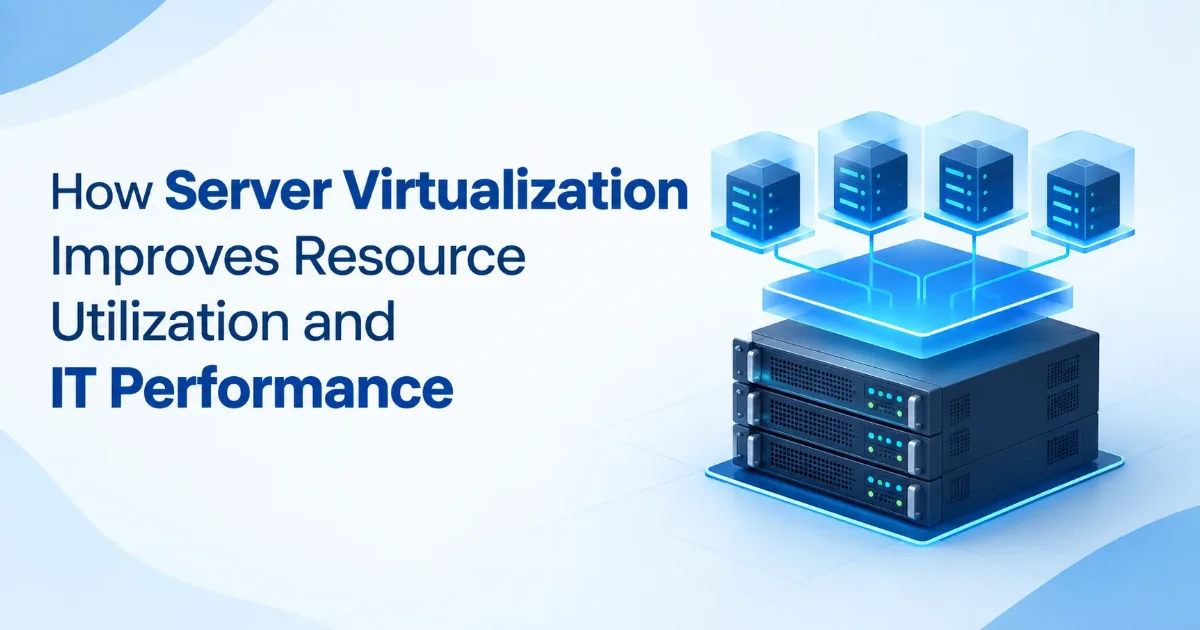
Server virtualization enables companies to operate several virtual servers on one physical server. This makes it easier to use resources effectively, save on hardware costs, and improve IT performance.
Server Resource Utilization
Most organizations cannot optimally utilize their physical servers.
♦ Physical servers may use only a fraction of their processing and memory capacities.
♦ More physical servers require more office space, power, and maintenance.
♦ It takes longer to purchase and install a new physical server.
♦ Some servers may operate at maximum capacity while others remain underused.
How Server Virtualization Improves Resource Utilization and IT Performance
1. Optimized Resource Utilization on Servers
♦ Virtual machines can utilize CPU, RAM, and storage resources efficiently.
♦ Resources can be distributed according to business requirements.
♦ This helps reduce unused server capacity.
2. Enhanced IT Efficiency
♦ Workloads can be distributed across available resources.
♦ Virtual machines can be adjusted as workloads increase.
♦ This helps maintain more consistent application performance.
3. Diminished Dependence on Hardware
♦ Multiple virtual machines can run on the same physical server.
♦ Organizations can reduce the number of physical devices required.
♦ Fewer physical servers can reduce space and energy requirements.
4. Quicker Deployments and Scalability
♦ Virtual resources can be deployed faster than physical servers.
♦ IT teams can increase resources according to changing business requirements.
♦ Virtualization solutions support flexible and growing business environments.
5. Simplified Backups and Recovery
♦ Virtual machines can be backed up and restored efficiently.
♦ Virtual environments support effective disaster recovery planning.
♦ This helps businesses reduce downtime after IT incidents.
6. Flexible Virtualization Platforms
♦ Organizations can choose suitable virtualization platforms based on their workloads.
♦ A reliable virtualization platform can support multiple business applications.
♦ Platform virtualization helps businesses manage IT resources more efficiently.
Business Benefits
♦ Lower hardware and maintenance costs.
♦ Better CPU, memory, and storage utilization.
♦ Faster deployment of IT resources.
♦ Improved scalability.
♦ Easier backup and disaster recovery.
♦ Reduced downtime.
♦ Better IT resource management.
Problems and Solutions
| Problem |
Solution |
| Servers are underutilized |
Consolidate workloads using virtualization. |
| High hardware costs |
Run multiple virtual machines on fewer physical servers. |
| Limited scalability |
Allocate resources as business requirements change. |
| Server downtime |
Use backup and disaster recovery solutions. |
| Poor resource management |
Monitor and optimize virtual resources regularly. |
| Slow deployment |
Create and configure virtual machines faster. |
Conclusion
Server virtualization helps businesses use IT resources more efficiently while improving flexibility, scalability, and performance. With the right virtualization platform and solutions, businesses can build a more reliable and cost-effective IT environment.