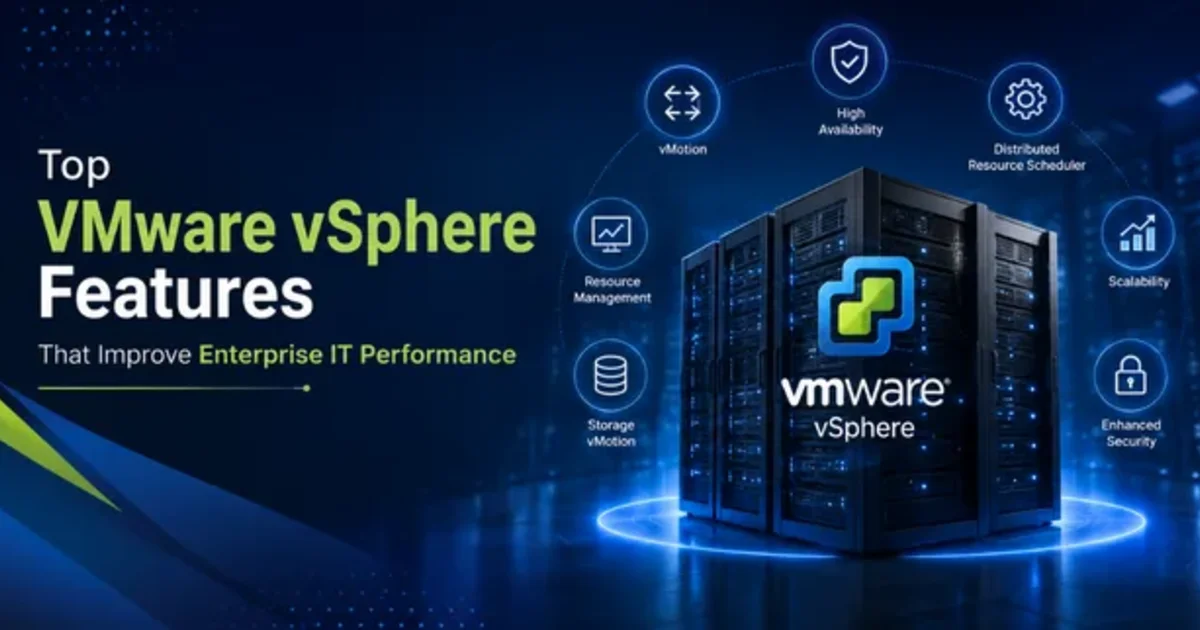
Introduction:
Modern businesses do need a reliable, and also flexible IT setup to keep day-to-day operations moving. With VMware vSphere, you get virtualization features that are pretty solid robust, and they help organizations raise performance, strengthen availability, and simplify resource management.
Overview of vSphere
- •Enterprise virtualization lets multiple virtual machines run on one physical server.
- •VMware ESXi is the virtualization foundation that lets you run and manage virtual machines.
- •Centralized management lets IT teams manage virtual infrastructure more smoothly and effectively.
- •Better resource use means servers work smarter and need less hardware.
Core Features:
VMware High Availability
- •Automatically restarts virtual machines when one host server fails, so everything keeps running a bit like normal.
- •It reduces application downtime and those annoying service interruptions too, even if things go sideways.
- •So, it helps maintain business continuity in a steady way.
vMotion
- •Transferring virtual machines between physical hosts with minimal disruption to services.
- •Helps maintain servers with little disruption.
- •Aids in distributing workloads even across servers.
Distributed Resource Scheduler
- •Automatically allocates computing resources among virtual machines.
- •Assigns workloads according to resource needs.
- •Contributes to better overall server performance.
VMware ESXi
- •Offers a secure and efficient virtualization platform.
- •Enables several virtual machines to operate on a single physical server.
- •Lowers hardware requirements and operating expenses.
Fault Tolerance
- •Ensures ongoing availability for essential virtual machines.
- •Sets up a secondary virtual machine to assist the primary system.
- •Helps safeguard critical applications against hardware failures.
vSphere Distributed Switch
- •Offers centralized network management tailored for virtual environments.
- •Streamlines network setup across multiple hosts.
- •Helps maintain uniform network policies and security.
vSphere Lifecycle Manager
- •Assists in managing updates and upgrades throughout VMware environments.
- •Keeps host configurations uniform.
- •Lowers the need for manual setup and upkeep.
Advantages
- •Enhances the performance and reliability of IT infrastructure.
- •Lowers expenses related to hardware and maintenance.
- •Reduces downtime and enhances business continuity.
- •Simplifies managing and scaling IT resources.
- •Helps achieve efficient Enterprise Virtualization.
Scenarios of Use
- •Construction Companies: Provides support for project management, file servers, and business applications.
- •Contracting Companies: Enables managing multiple business applications using fewer physical servers.
- •Interior Companies: Offers dependable infrastructure for design and project data.
- •Facility Centers: Provides support for monitoring, managing, and operational applications.
- •Consulting Companies: Provides adaptable and expandable IT environments tailored for business applications.
Conclusion:
VMware vSphere features help companies piece together a more reliable, sort of adaptable, and honestly more efficient virtual IT setup. With VMware ESXi in the picture, plus vMotion, and then VMware High Availability, it feels like a practical chain reaction. People tend to notice better, day to day responsiveness, and at the same time reduce downtime quite a bit, usually without too much hassle.