Introduction
Server rooms need a reliable power supply to keep business systems running smoothly. Choosing the right UPS system helps protect equipment from power interruptions, voltage fluctuations and unexpected shutdowns.
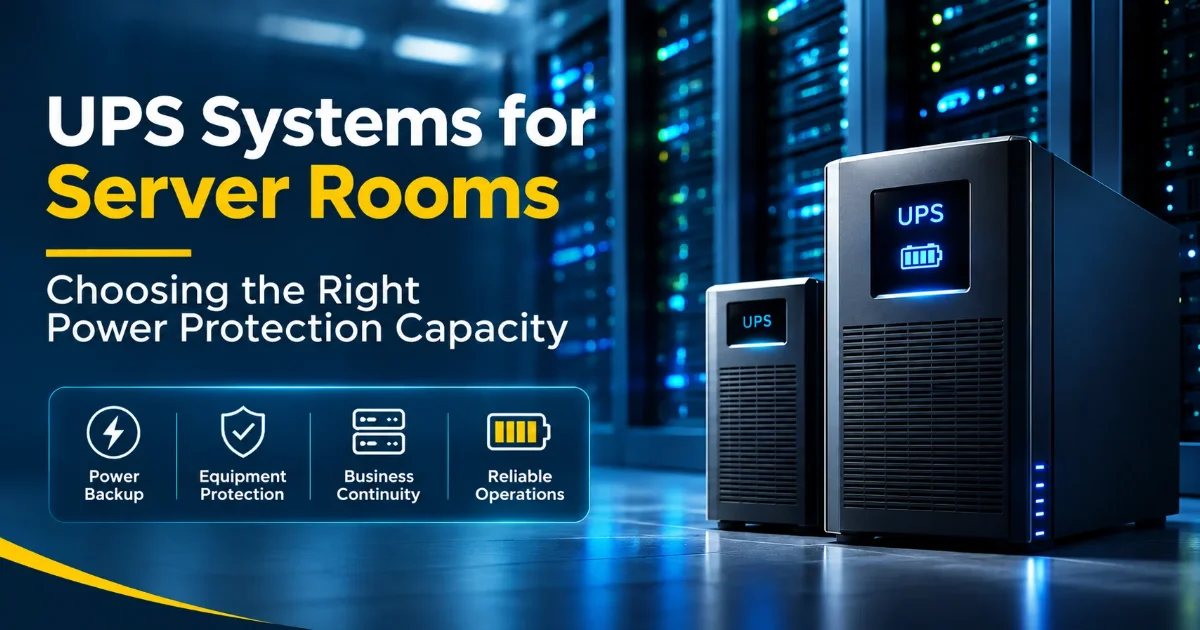
UPS Systems for Server Rooms
A UPS (Uninterruptible Power Supply) provides backup power when the main electricity supply fails. It also protects servers, networking equipment and storage devices from power-related problems.
Types of UPS
Different UPS systems offer different levels of power protection depending on business requirements.
Choosing the Right Power Protection Capacity
Selecting the correct UPS capacity is important for protecting server room equipment and maintaining reliable operations. Consider these factors before choosing a UPS system.
Calculate the Total Connected Load
List all equipment, including servers, switches, routers, storage devices and other connected systems.
Calculate the total electrical demand in watts (W) or kilowatts (kW) to understand the required UPS power capacity.
Understand VA, kVA and Watt Ratings
Check both the VA (Volt-Ampere) and watt ratings when selecting a UPS system.
Consider the power factor (PF), as it determines the actual usable power capacity of the UPS.
Choose the Right UPS Capacity
Select a UPS that can comfortably support the total connected load, such as 3kVA, 5kVA, 6kVA or 10kVA.
Consider future expansion and maintain sufficient spare capacity instead of operating the UPS at its maximum limit.
Plan the Required Battery Backup Time
Decide how long the server room must remain operational during a power failure.
Choose suitable internal batteries or external battery packs to achieve the required UPS runtime.
Select the Right UPS Topology
Choose an Online Double-Conversion UPS for critical servers requiring continuous power protection.
Consider Line-Interactive or Standby UPS systems for less critical equipment, depending on power requirements.
Check Single-Phase and Three-Phase Requirements
Single-phase UPS systems are commonly used for smaller server rooms and equipment loads.
Three-phase UPS systems are suitable for larger installations and higher power requirements.
Consider Redundancy and Future Expansion
N+1 or 2N redundant UPS configurations help maintain power availability if a UPS module or system fails.
Choose modular or scalable UPS systems to support future business growth and additional equipment.
Review Monitoring and Maintenance Requirements
Use SNMP network management cards for remote UPS monitoring, battery status and power alerts.
Plan regular UPS maintenance, battery replacement and testing to maintain reliable performance.
Benefits of UPS Systems for Server Rooms
Common Use Cases
UPS systems are useful in different business environments, including:
Conclusion
Choosing the right UPS system and power protection capacity helps keep server rooms reliable and business operations running smoothly. Proper UPS sizing, battery planning and regular maintenance ensure long-term power protection.